> For the complete documentation index, see [llms.txt](https://stereotoolss-organization.gitbook.io/saw-user-manual-v8.1/llms.txt). Markdown versions of documentation pages are available by appending `.md` to page URLs; this page is available as [Markdown](https://stereotoolss-organization.gitbook.io/saw-user-manual-v8.1/tutorials/format-conversion.md).
# Format conversion
This tutorial will show how to implement basic format conversions using the complementary pipeline `SAW convert`. To make this utility more straightforward and concise, several pipelines have been created under `SAW convert`. The sub-pipeline is usually named as "A2B", which signifies the switching from A-form to B-form.
Select the one you need for format conversion.
## Matrix related
### `visualization`
Conversion from a raw GEF to a visualization GEF.
The raw GEF only saves the gene expression in the bin1 dimension to prevent the output file from becoming too large. **For GEF to be visualized in StereoMap**, it is necessary to have comprehensive information on various bin sizes, usually with a bin list of \[ 1, 5, 10, 20, 50, 100, 150, 200].
```sh
saw convert visualization \
--gef=/path/to/input/GEF \
--bin-size=1,5,10,20,50,100,150,200 \
--visualization-gef=/path/to/output/visualization/GEF
```
### `gef2gem`
Conversion from a bin GEF to a GEM.
The feature expression recorded in GEM has only one type of bin size, so you have to set `--bin-size` for the conversion.
```sh
saw convert gef2gem \
--gef=/path/to/input/GEF \
--bin-size=1 \
--gem=/path/to/output/GEM
```
Conversion from a cellbin GEF to a cellbin GEM.
{% hint style="info" %}
It is important to note that the corresponding bin GEF is necessary to obtain DNB information, during the conversion from cellbin GEF to cellbin GEM.
{% endhint %}
```sh
saw convert gef2gem \
--cellbin-gef=/path/to/input/cellbin/GEF \
--gef=/path/to/input/bin/GEF \
--cellbin-gem=/path/to/output/cellbin/GEM
```
### `gem2gef`
Conversion from a GEM to a bin GEF.
* If your input GEM is of bin1, the output GEF will be a visualization GEF that includes expression counts of bin1, 5, 10, 20, 50, 100, 150, 200.
* If your input GEM is not of bin1, the output GEF will contain the expression counts of that specific bin size.
```sh
saw convert gem2gef \
--gem=/path/to/input/GEM \
--gef=/path/to/output/GEF
```
Conversion from a cellbin GEM to a cellbin GEF.
```bash
saw convert gem2gef \
--cellbin-gem=/path/to/input/cellbin/GEM \
--cellbin-gef=/path/to/output/cellbin/GEF
```
### `bin2cell`
Conversion from a bin GEF to a cellbin GEF.
{% hint style="info" %}
A cell segmentation mask is used to delineate the boundaries of individual cells, which is then utilized to generate an expression matrix at the cell dimension.
{% endhint %}
```sh
saw convert bin2cell \
--gef=/path/to/input/GEF \
--image=/path/to/cell/segmentation/image \
--cellbin-gef=/path/to/output/cellbin/GEF \
--cellbin-gem=/path/to/output/CGEM
```
### `gef2h5ad`
Conversion from a bin GEF to an AnnData H5AD.
{% hint style="info" %}
[AnnData H5AD](https://anndata.readthedocs.io/en/latest/index.html#) is a widely used data format to start downstream analysis. And AnnData package version >= 0.8.0.
{% endhint %}
```sh
saw convert gef2h5ad \
--gef=/path/to/input/GEF \
--bin-size=20 \
--h5ad=/path/to/output/h5ad
```
Conversion from a cellbin GEF to an AnnData H5AD.
```bash
saw convert gef2h5ad \
--cellbin-gef=/path/to/input/cellbin/GEF \
--h5ad=/path/to/output/h5ad
```
### `gem2h5ad`
Conversion from a GEM to an AnnData H5AD.
```sh
saw convert gem2h5ad \
--gem=/path/to/input/GEM \
--bin-size=20 \
--h5ad=/path/to/output/h5ad
```
Conversion from a cellbin GEM to an AnnData H5AD.
```bash
saw convert gem2h5ad \
--cellbin-gem=/path/to/input/cellbin/GEM \
--h5ad=/path/to/output/h5ad
```
### `gef2img`
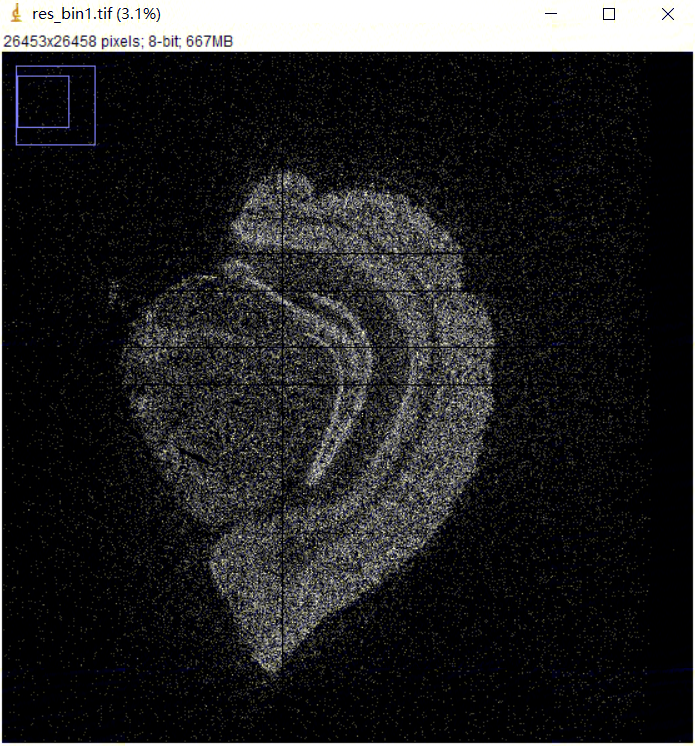
Plot a heatmap of a bin GEF.
It supports using feature expression matrix to generate a grayscale image heatmap of the spatial expression.
```sh
saw convert gef2img \
--gef=/path/to/input/GEF \
--bin-size=1 \
--image=/path/to/output/heatmap/TIFF/image
```
## Image related
### `tar2img`
Extract TIFF images from an image `.tar.gz` file. Usually including a microscope image aligned with the matrix, a tissue segmentation image and a cell segmentation image, if required algorithmic or manual processing results are recorded in the image `.tar.gz` file.
```sh
saw convert tar2img \
--image-tar=/path/to/input/image/tar \
--image=/path/to/output/folder
```
### `img2rpi`
Conversion from TIFF images to an RPI file, used in StereoMap.
{% hint style="info" %}
Layer names can be set arbitrarily, but follow the format of `/`, like `DAPI/TissueMask`. For the image of cell segmentation, we recommend you setting the layer name with a prefix of "CellMask", so that StereoMap display cell borders directly.
{% endhint %}
```sh
saw convert img2rpi \
--image=/path/to/input/image1,/path/to/input/image2,/path/to/input/image3... \
--layers=DAPI/Image,DAPI/TissueMask,DAPI/CellMask... \
--rpi=/path/to/output/rpi
```
### `merge`
Merge images (up to three) into one image.
{% hint style="info" %}
Note that the order of the image input represents its color channel, R-G-B.
{% endhint %}
```sh
saw convert merge \
--image=/path/to/input/image1,/path/to/input/image2,/path/to/input/image3 \
--merged-image=/path/to/output/multichannel/image
```
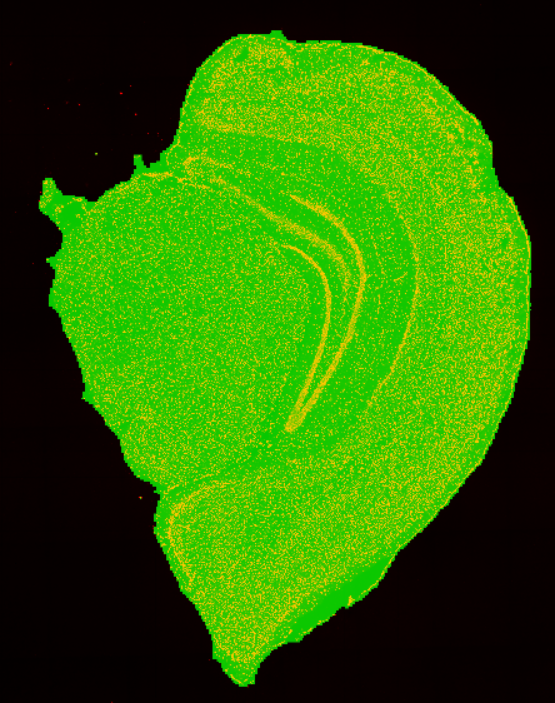
Merged image of microscopy image `ssDNA_SS200000135TL_D1_regist.tif` and tissue segmentation mask file `ssDNA_SS200000135TL_D1_tissue_cut.tif` to evaluate the performance of tissue segmentation.
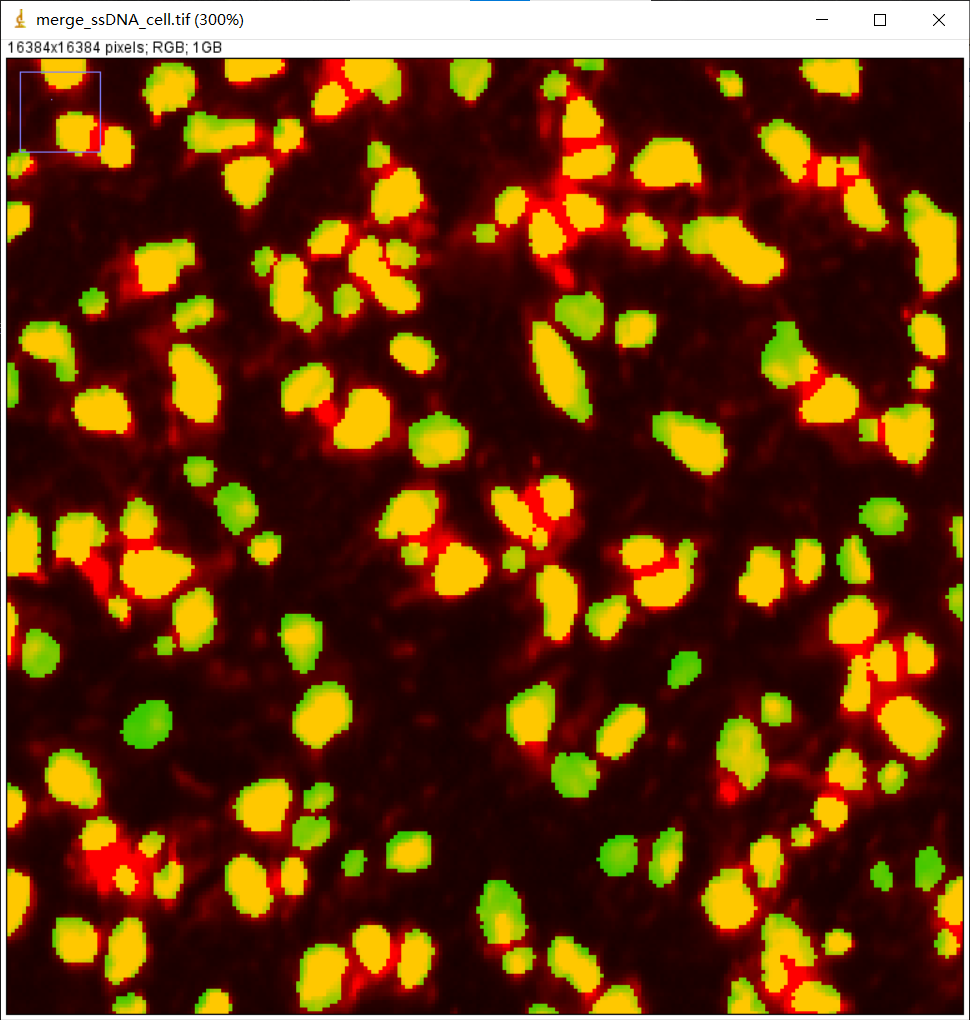
Part of the merged image of the microscopy image `ssDNA_SS200000135TL_D1_regist.tif` and cell segmentation mask file `ssDNA_SS200000135TL_D1_mask.tif` to evaluate the performance of cell segmentation.
### `overlay`
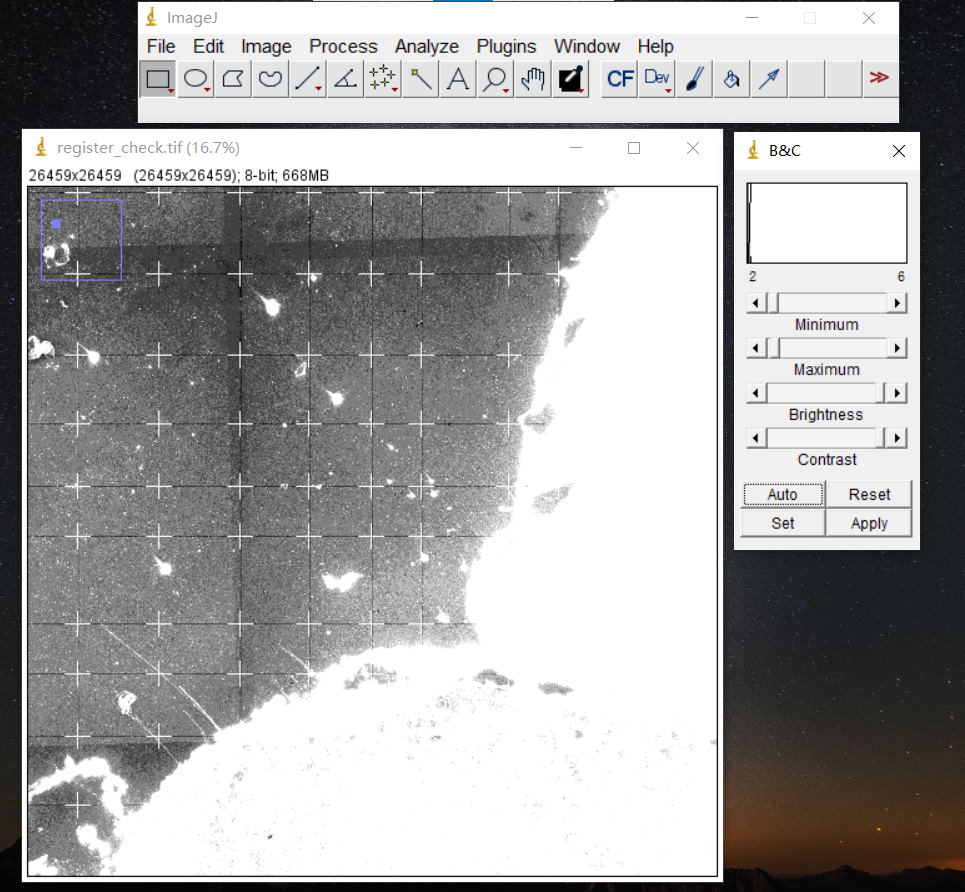
Stack the template points onto the image, to check whether the image template crosspoints derived by image QC are accurate.
{% hint style="info" %}
The matrix template file, `_matrix_template.txt`, can be found in `visualization.tar.gz`.
{% endhint %}
```sh
saw convert overlay \
--image=/path/to/input/image \
--template=/path/to/input/template/txt \
--overlaid-image=/path/to/output/overlaid/image
```
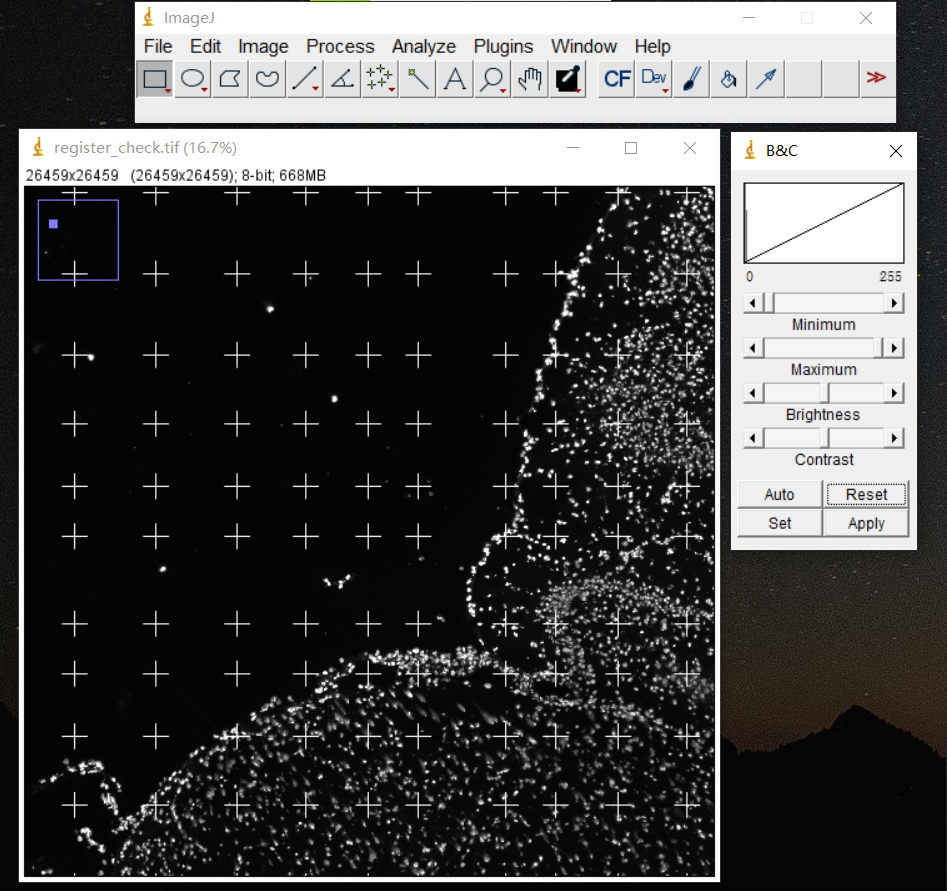
Stack the matrix template onto `ssDNA_SS200000135TL_D1_regist.tif` image to verify the registration outcome.